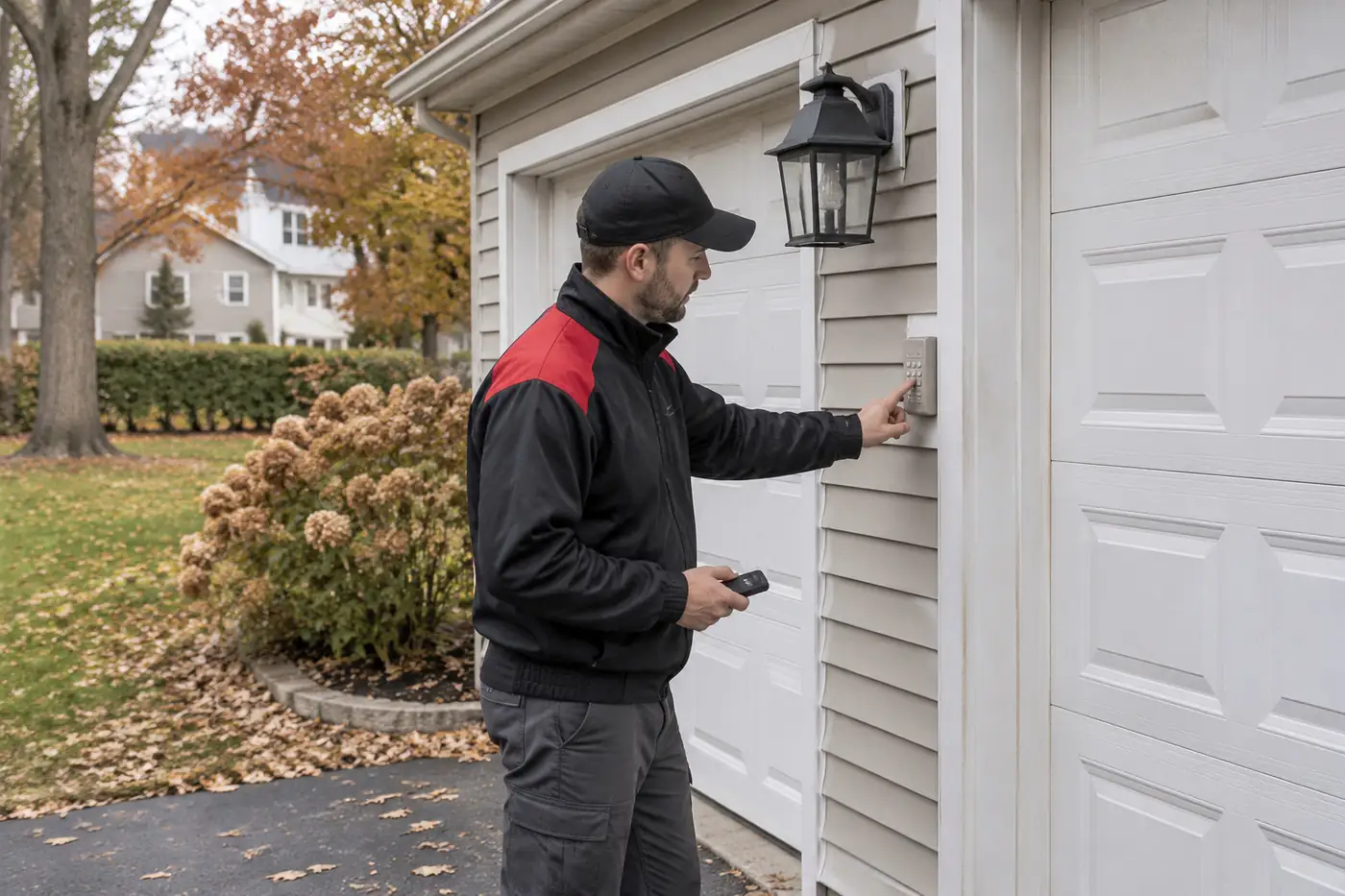
A garage door keypad that won't open the door usually has a simple cause, and finding it starts with one question: does the wall button inside still work? If it does, the opener and door are fine, and the problem lives on the radio side: a weak battery, the opener's lock mode, a remote that lost its programming, or interference cutting the range.
We handle the whole set: handheld remotes, wireless keypads, car buttons like HomeLink, and app control over Wi-Fi. That includes matching new remotes to older openers, which is where most of the confusion comes from. A remote has to speak the same code system as the opener's receiver, and LiftMaster, Chamberlain and Genie have each changed theirs over the years.
What to look for
Remote works only up close
Short range points to a weak battery, a damaged antenna wire on the motor unit, or interference from some LED bulbs.
Keypad lights up but nothing happens
The code may have been erased, the battery may be too weak to transmit, or the opener's lock mode may be on.
Nothing works except the wall button
When every remote and the keypad fail at once, check the lock button on the wall control first.
App says the opener is offline
Smart openers drop off when the router changes, the Wi-Fi password changes, or the signal in the garage is weak.
New house or new car
Moving in or buying a car means erasing old codes and programming everything you'll actually use.

Why is my garage door keypad or remote not working?
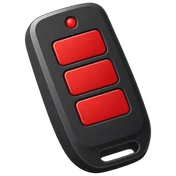
Work through it in order, easiest fix first. Replace the battery in the remote or keypad, even if its light still comes on, since a weak battery can light an LED and still send a feeble signal. Next, look at the wall control. Most LiftMaster and Chamberlain wall controls have a lock button, and many Genie consoles have a lock or vacation switch. When it's on, remotes and keypads are ignored while the wall button still works, and it gets switched on by accident more often than you'd think.
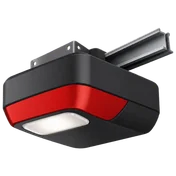
If one remote fails and the others work, that remote needs reprogramming or replacing. If every remote has short range, look up at the opener. Some LED bulbs throw off radio noise in the same range garage remotes use, and opener makers warn about it, so unscrew the bulb and test again. A damaged antenna wire or a failing receiver on the logic board can also be to blame, and that's a job for garage door opener repair. Our opener not working guide has more checks if the wall button is dead too.
How do I reprogram my garage door keypad or add a remote?
Garage door remote programming happens at the opener, not the remote. Most current openers have a learn or program button on the motor unit. On LiftMaster and Chamberlain models, press and release the learn button, then within about 30 seconds press the remote button, or enter a new four-digit PIN on the keypad and press Enter. The opener lights blink or it clicks to confirm. Genie openers work the same way in general, with a Program button or, on older Intellicode models, a Learn Code button, and colored LEDs that guide each step.
Car buttons take one more step. With HomeLink, you usually train the car button from your handheld remote first, then press the opener's learn button and press the car button to finish, because rolling-code openers have to learn the car directly. Some older cars can't talk to the newest openers without a compatibility bridge. If you just moved in, erase the opener's memory first so the previous owner's remotes stop working. On LiftMaster and Chamberlain, holding the learn button until its light goes out, about six seconds, clears every remote and keypad.
Which remote works with my opener?
On a LiftMaster or Chamberlain, the color of the learn button tells you the code system, and that decides which remotes and keypads will work. The button is on the same side of the motor unit as the wires from the wall control and sensors. Faded buttons fool people: purple can look brown, and red can look orange. Genie openers built since the mid-1990s use Genie's Intellicode rolling code, but not every Intellicode remote works with every Genie model, so we match by the opener's model number. Brand-specific fixes are on our LiftMaster opener repair, Chamberlain opener repair and Genie opener repair pages.
| Learn button | Code system | What to know |
|---|---|---|
| Yellow, round | Security+ 2.0 | Current system since 2011; most new remotes and keypads are built for it |
| Purple | Security+ (315 MHz) | Openers from about 2005 to 2014 |
| Red or orange | Security+ (390 MHz) | Openers from about 1997 to 2004 |
| Green | Billion Code | Openers from about 1993 to 1997; some universal remotes still support it |
| Square button or DIP switches | Fixed code | Pre-1993 era with no rolling code; usually time for a new opener |
Can I add a smart controller to an old opener?
Usually you can, if the opener was made after 1993, has working safety sensors, and has a learn or program button. Many current LiftMaster and Chamberlain openers have myQ Wi-Fi built in, and many Genie models work with the Aladdin Connect app. For openers without it, both brands sell add-on kits, and aftermarket controllers work with a wide range of openers. Most opener Wi-Fi radios use the 2.4 GHz band, so a weak signal at the garage end of the house is a common reason setup fails.
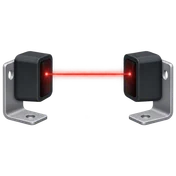
When you close the door from your phone, the opener flashes its light and beeps for a few seconds before the door moves. That warning is required by the UL 325 safety standard for closing a door you can't see, and it can't be turned off. It also depends on working photo eyes, so if yours act up, see garage door sensor repair. Openers too old to have photo eyes can't be made safe this way, and the answer there is a new opener. Our best garage door openers guide compares current options, and garage door opener installation covers the swap.
How the visit works
Check the whole control path
We test the wall button, each remote, the keypad and any car buttons to see exactly where the signal stops.
Fix the cause
Batteries, lock mode, antenna, interference and receiver problems get sorted before anything is replaced.
Program everything
We match remotes and keypads to your opener's code system, program car buttons, and set up the app if you use one.
Test range and safety
We check range from the street, then finish with a balance check and an auto-reverse test.
Questions people ask
Why is my garage door not responding to the remote?
Start with a fresh battery, then check whether the lock button on the wall control is on. If one remote fails and others work, reprogram that remote. If every remote has short range, try removing LED bulbs from the opener, and if nothing helps, the opener's receiver or antenna may be at fault.
How do I reprogram my garage door keypad?
On most LiftMaster and Chamberlain openers, press and release the learn button on the motor unit, enter a four-digit PIN on the keypad within 30 seconds, and press Enter. Genie keypads pair through the opener's Program or Learn Code button, following the LED prompts in the manual. If it still won't pair, the keypad's battery may be weak or it may not match the opener's code system.
Can I add a smart controller to an old opener?
Most openers made after 1993 with working safety sensors and a learn or program button can take a Wi-Fi add-on. Openers without photo eyes can't be retrofitted safely and should be replaced. We can check your model and set the controller up on your home network.
Do universal remotes work with every garage door opener?
They cover most openers from the 1990s on, but each one lists the code systems it supports. Check your learn button color or opener model number against the remote's compatibility chart before you buy.
How do I stop a previous owner's remotes from opening my garage?
Erase the opener's memory, then reprogram only the remotes and keypads you keep. On LiftMaster and Chamberlain models, hold the learn button until its light goes out, about six seconds. Other brands list their erase steps in the manual, and we can do it on any visit.
Why won't my car's HomeLink button open my new opener?
Rolling-code openers need to learn the car directly, so after training HomeLink from your remote, press the opener's learn button and then the car button within 30 seconds. Some older vehicles can't talk to the newest openers without a compatibility bridge. Your car's manual lists its exact steps.